Advertisement
Spelling Games
This section contains resources and activities related to punctuation.

Spellerz - Customizable Online Spelling and Typing Game
Description: Spellerz is an application in which users can practice their spelling and typing. Users must save the world from invading “spellerz” by using their typing skills to type the words that flash on the screen. The user can choose from eleven different word lists and select the number of words to be included in the game. The time limit of the game is proportional to the number of words included. Teachers can also create their own words lists for students to use in the game. Simply click on “create your own invasion” type your words and click “save invasion.” You will then receive a code in which your students can enter to access the game with your word list. Please note words with apostrophes might cause problems in some browsers. Classified under: Spelling game, spelling games, vocabulary game, vocabulary games, typing game, typing games.
Spellerz Demonstration Video
Description: This video will show you how to use Spellerz.
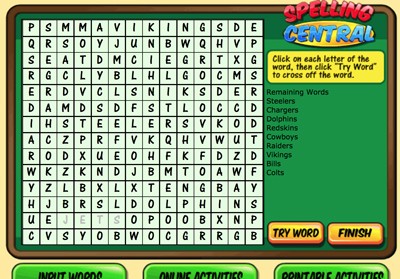
Spelling Central - Online Game
Description: This awesome resource allows students and teachers to create printable or online activities and games out of their spelling lists such as word searches, ABC order exercises, missing letter exercises, and word scrambles. You can now save your spelling lists.
Spelling Central Demonstration Video
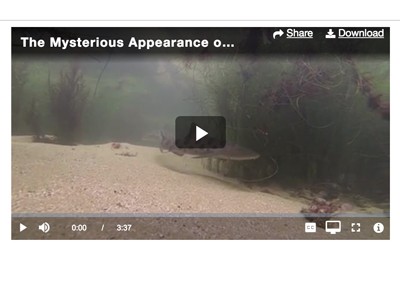
Description: This video will show you how to use Spelling Central.
Word Ops - Online Game
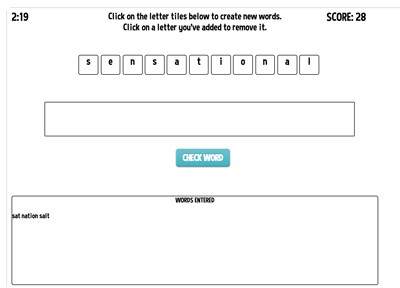
Description: In Word Ops, players are presented with a word and have three minutes to make as many words from that word as possible. The longer the words you form are, the more points you get! You’ll have three minutes to play. If you can achieve 50 points, you’ll receive a bonus minute.
Incredible Word Scramble
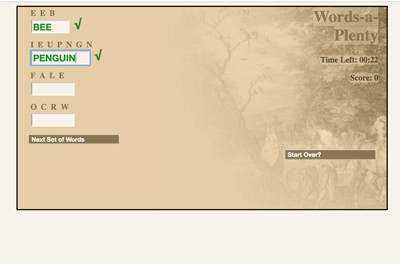
Description: This super fun game requires students to unscramble as many words as possible in three seconds. They can choose from nouns, animals, and geography, in easy or hard modes. Addictive! Classified under: ELA game, ELA games, spelling game, spelling games, vocabulary game, vocabulary games
Incredible Word Scramble - Spanish Version (Palabras a Montones)
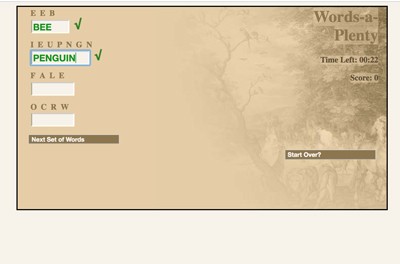
Description: This super fun game requires students to unscramble as many words as possible in three seconds. They can choose from nouns, animals, and geography, in easy or hard modes. Addictive!
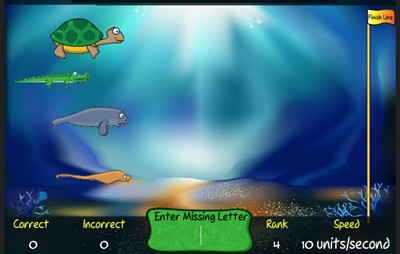
Everglades Spelling
Description: This fun game allows students to choose one of four Everglades marine animals (turtle, manatee, crocodile, sting ray) to race against the others through the Everglades using nothing but his or her spelling skills. Students must identify the word that appears and then click its missing letter to move the chosen animal forward. For example, for the word tom_rrow, students would click the "o" button.
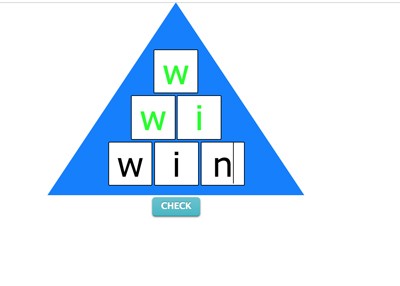
Word Pyramids - Online
Description: Word Pyramids is a fantastic practice program that requires students to spell words in pyramid format. For example, "name" must be spelled n >> na >> nam >>> name. Each line of the pyramid is checked for accuracy. Students can choose from three different word lists: Dolch 220, first grade words, and second grade words. Words are narrated. Exit at any time and print out a performance report that includes all words successfully spelled and the time it took to spell them.
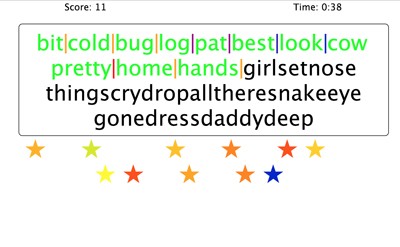
Word Blocks - Online
Description: In this fun activity, students must evaluate a block of letters and use the "divider stars" to divide them into 25 words as quickly as they can. Word lists for grades one through seven are available in addition to Dolch, Ayers, and commonly misspelled words.
Word Blocks Demonstration Video
Description: This video will show you how to use Word Blocks.
Word Maker - Online
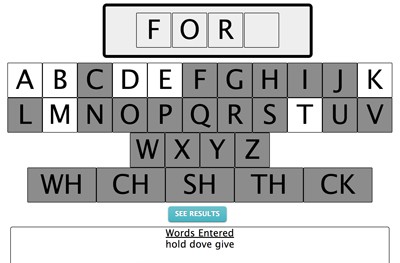
Description: Word Maker is a fun tool that allows students to explore naturally how words are formed. First choose the number of letters per word and drag and drop a letter or digraph tile to the first blank. Watch how the rest of the alphabet reacts when a letter is selected. Some letters will remain while others will be eliminated. Find out if any words start with CW, EH, or even Rhom!
Word Maker Demonstration Video
Description: This video will show you how to use Word Maker.
R-Control Races - Online
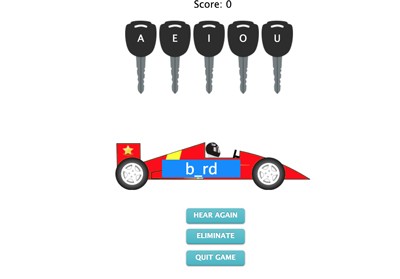
Description: This is a simple program designed to reinforce vowel identification in r-controlled words. Students must select the key that starts the race car. Each key is labeled with a vowel. The racecar features an r-controlled word with the vowel missing! This program is great for students who have trouble identifying the correct vowels in words such as “over,” “serve” and “purple” for example.
Fun Spelling Games - From ComputerMice
Description: Need to practice subtracting spelling ? Fun Spelling Games from Computer Mice is the perfect solution. You can practice spelling lists for any grade level, or, you can make your lists. There are 15 embedded games including target practice games, ninja baby games, spinning wheel games, and many more. Look throughout our games, math, and language arts section for more games from Computer Mice soon.
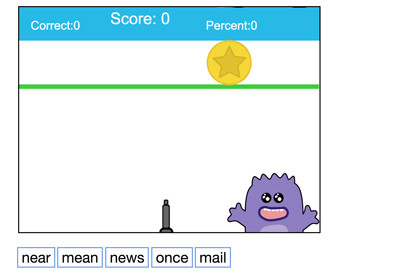
Fun Sight Word Games - From ComputerMice
Description: Need to practice counting with sight words? Fun Sight Word Games from Computer Mice is the perfect solution. You can practice sight words for any grade or level, or, enter your own words, by playing any of 15 embedded games including target practice games, ninja baby games, spinning wheel games, and many more. Look throughout our games, math, and language arts section for more games from Computer Mice soon.
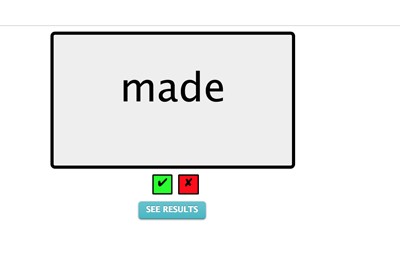
Sight Words - Online
Description: This cool program is designed to be used by a teacher and parents with a student or child. As the child reads each word that appears, simply check the green or red box for correct or incorrect. You can print a performance report at any time. Choose from a dozen different sight word lists and even make your own list that can be saved and used later.
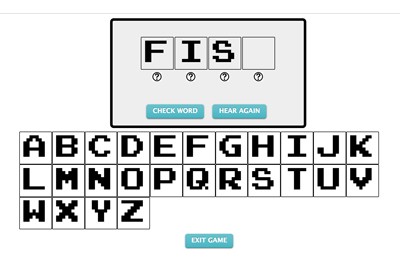
Sight Words Audible - Online
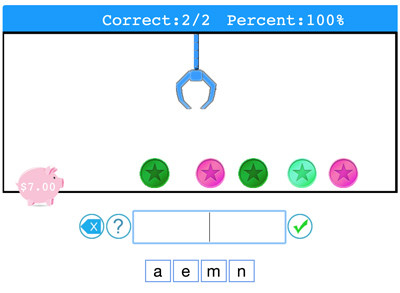
Description: n Sight Words "Audible," parents and teachers can choose from dolch words, first grade words, or second grade words. In this program, the sight words are narrated and the student must drag and drop the correct letters in the blank boxes to correctly spell each word. If a student gets stuck on a letter, he or she can click the question mark below the blank box and the program will narrow the choices to two letters. The program gives immediate feedback and students can exit at any time. Upon exit, parents can print out a report that indicates student performance during the session. This program is great for students who excel at reading sight words but need practice spelling them.
Sight Words Workshop Demonstration Video
Description: This video will show you how to use Sight Words Workshop
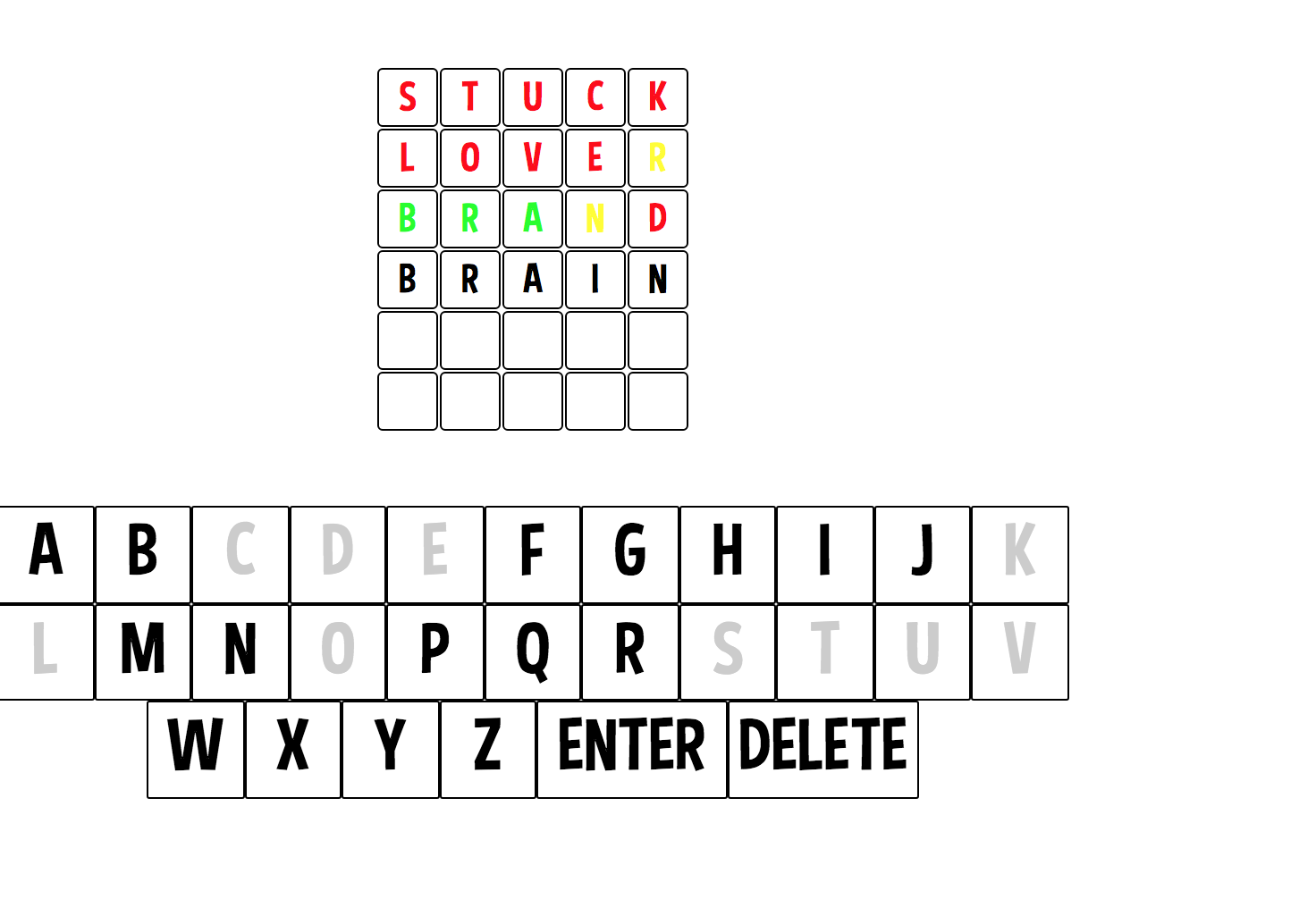
Make your own Wordle-like games with YOUR spelling lists
Description: This great game allows teachers to upload their word lists so students can solve Wordle-like puzzles. When a word list is uploaded, the system generates a code that teachers can give to their students.
Advertisement